
These photos are from the day we picked our puppy Flynn from the litter of 12 puppies. There are more photos and some video I took that day but these 3 are the ones I wanted to scrap of that day. Plus taking pictures of puppies is hard to do, they move so fast! But what to do with 3 portrait photos? They were all portrait since I used my phone and didn’t think to take any landscape photos. How do you arrange that many portrait photos on one page without trimming them down?
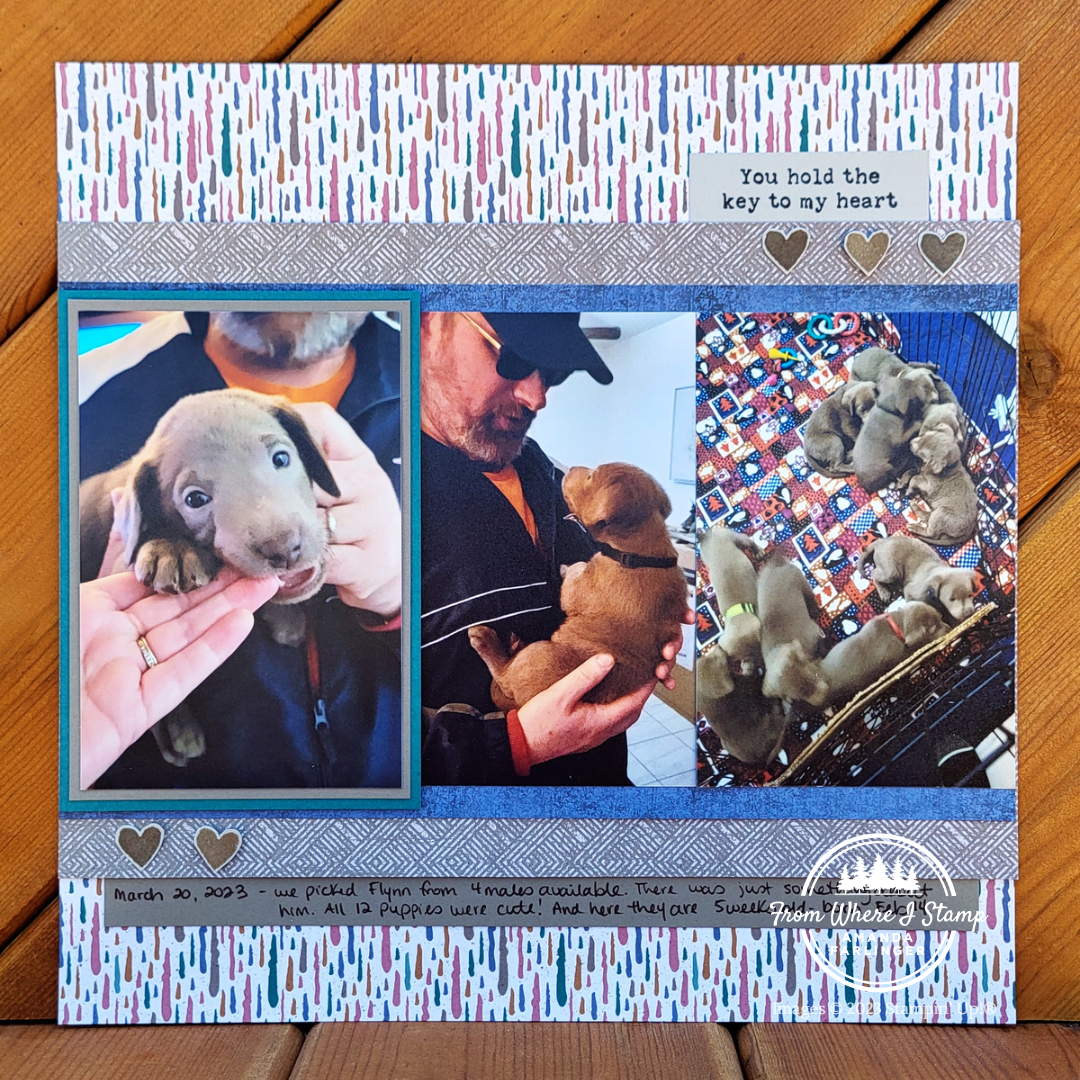
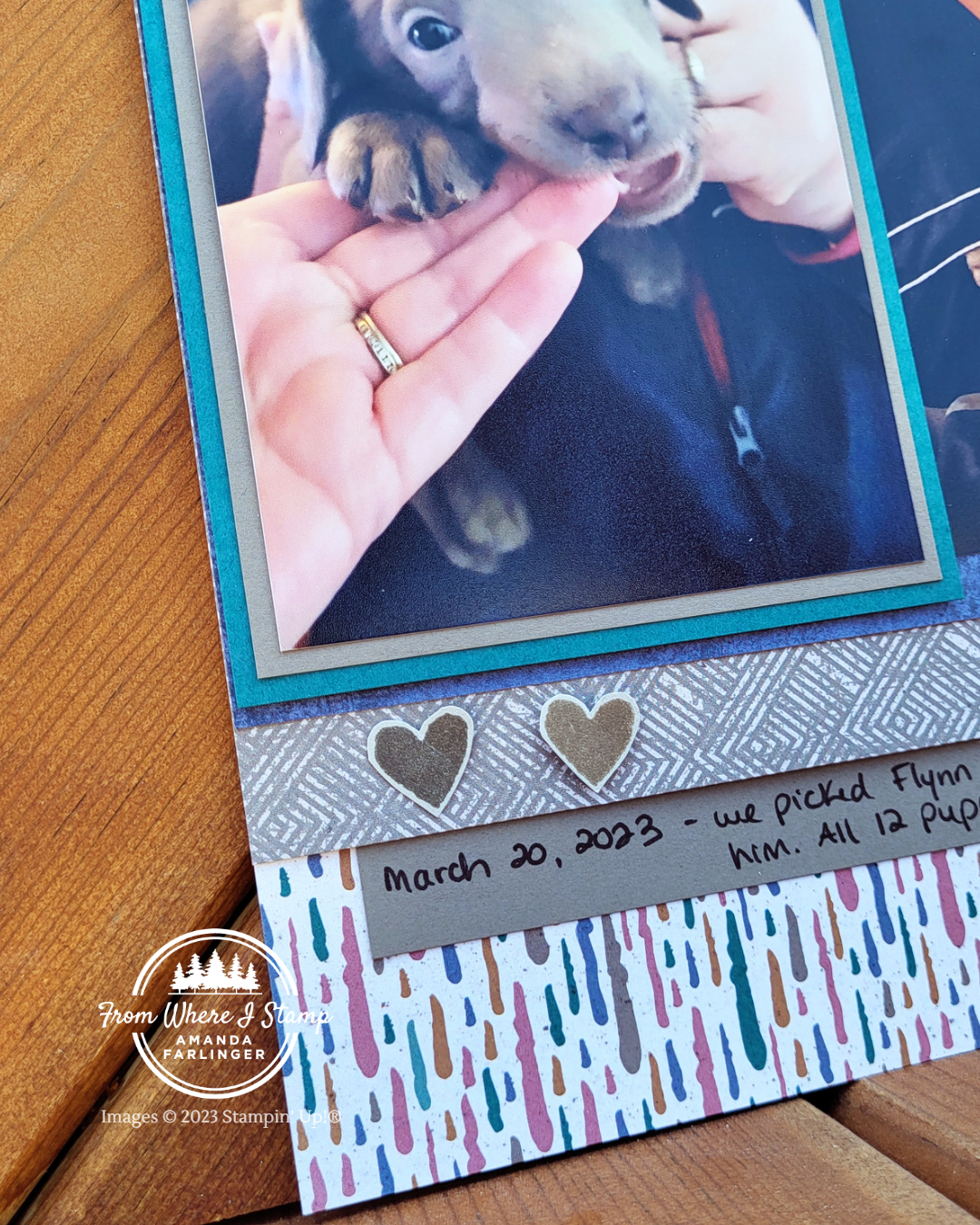
A strip of photos across your layout is my go to option if I’m not wanting to trim down any of the photos. Usually I put all the photos down without having one pop up but Flynn’s adorable photo of him chewing my fingers was too cute to not draw attention to it! It’s layered twice with cardstock. The first layer is Pebbled Path at 4.25″ x 6.25″ then Pretty Peacock is the second layer at 4.5″ x 6.5″. Then this layered photo is adhered to the layout using Stampin’ Dimensionals onto the far left side of the page. The edge of the Pretty Peacock cardstock is against the edge of the layout so that it doesn’t cover too much of the middle photo. This makes the middle photo width looked trimmed and you could layer the middle photo over the right photo a little to even out the look if it didn’t look right to you. If you do that, add the Stampin’ Seal adhesive farther on the back of the second photo so that you don’t have adhesive from one photo going onto the front of another photo. This is just in case you need to take the photos off your layout at a later date.
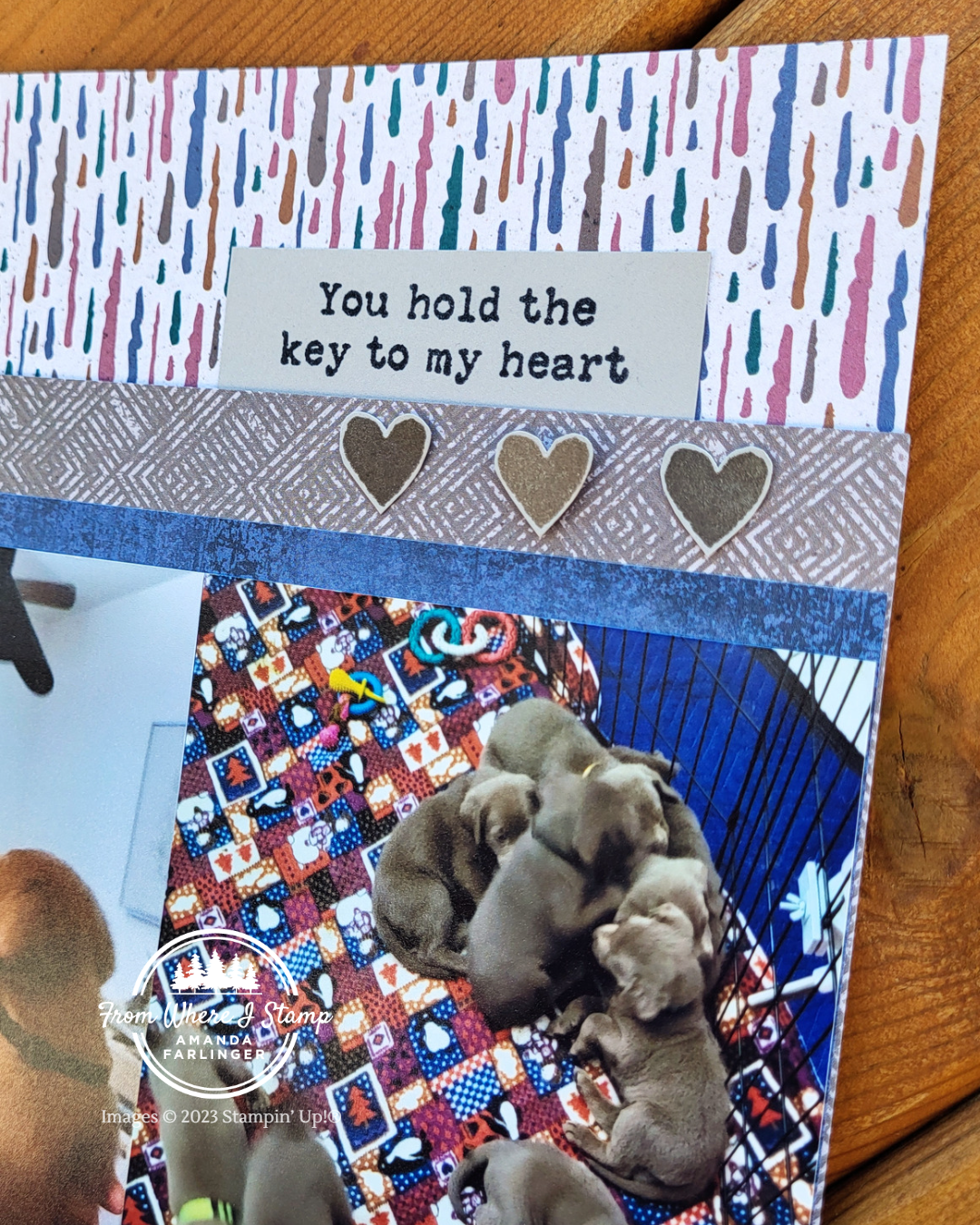
The “you hold the key to my heart” stamp from the Just My Type stamp set is the perfect title for this page. Flynn definitely had our hearts from day one! The heart stamps are from the same stamp set. They are all stamped onto Gray Granite cardstock but I used two different inks: Pebbled Path and Gray Granite. There are 3 hearts on the top right of this layout and 2 hearts on the bottom left of the layout. Each Gray Granite heart is popped up with a Mini Stampin’ Dimensional.
Use the Stampin’ Up! Earthen Elegance DSP to Create a Scrapbook Layout Using Multiple Photos
CLICK HERE for the supply list to make this scrapbook layout.
The products used in this project were available at the time of filming of the video and/or writing this blog post. If an item does not appear in the list, it is no longer available.
